Profiles and segments
Profiles unify person-level data across installations. Segments turn that data into reusable, evaluated audiences.
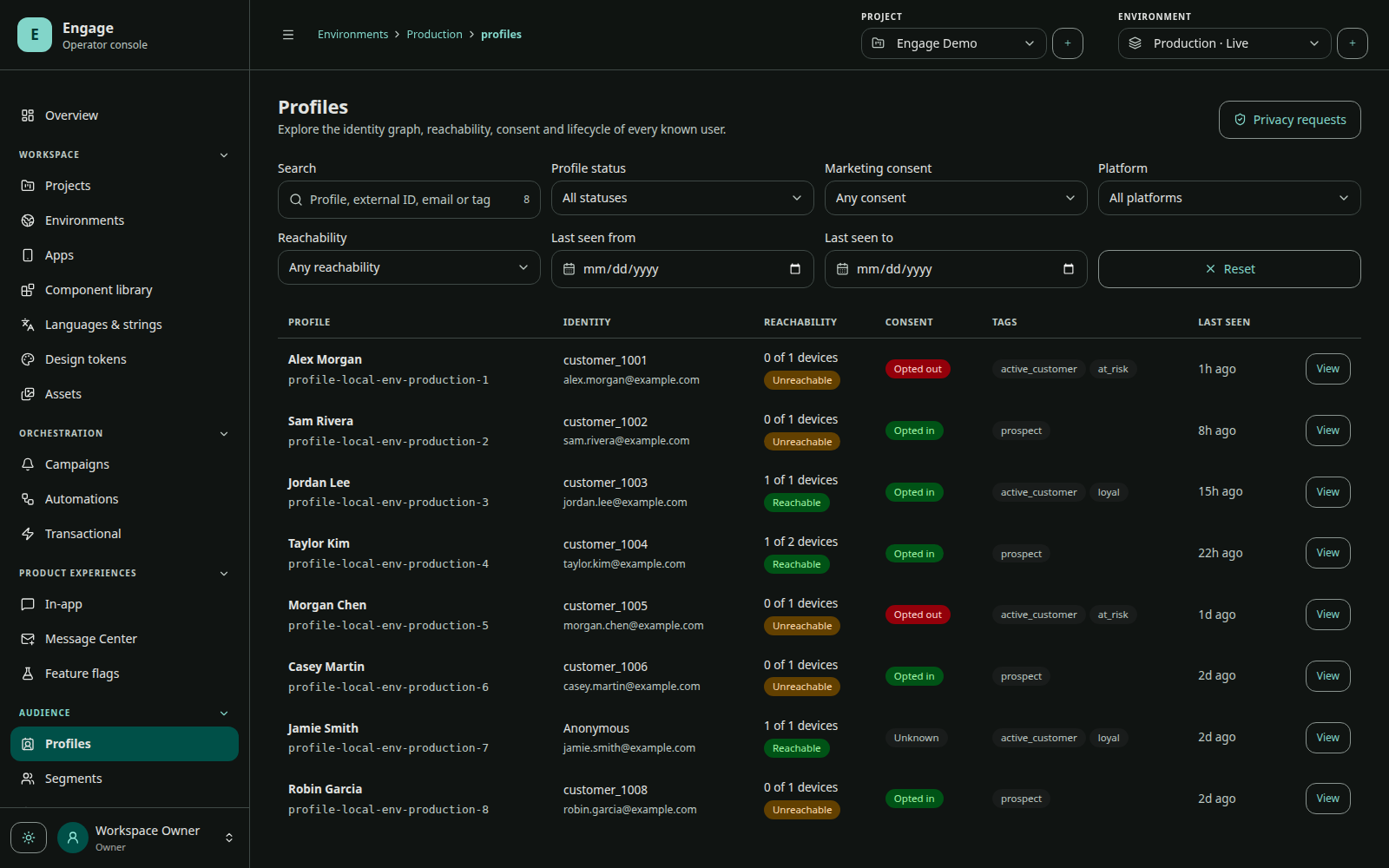
Profile composition
A profile view includes identity, attributes, tags, subscription/consent state, linked installations, event history, segment memberships, messaging activity, and privacy state. Installation attributes remain visible separately because they describe one device/app instance.
How data arrives
| Source | Examples |
|---|---|
| SDK installation editor | theme, device-specific preference, local state |
| SDK profile editor | plan, lifecycle stage, first name, tags |
| SDK events/screens | purchase, cart action, app session, screen activity |
| Identity binding | external ID and installation-to-profile relationship |
| Automations | profile set/remove/increment steps |
| Subscription UI | list/channel choices at installation or profile scope |
| Privacy workflows | opt-out, export, deletion/revocation state |
Segment expressions
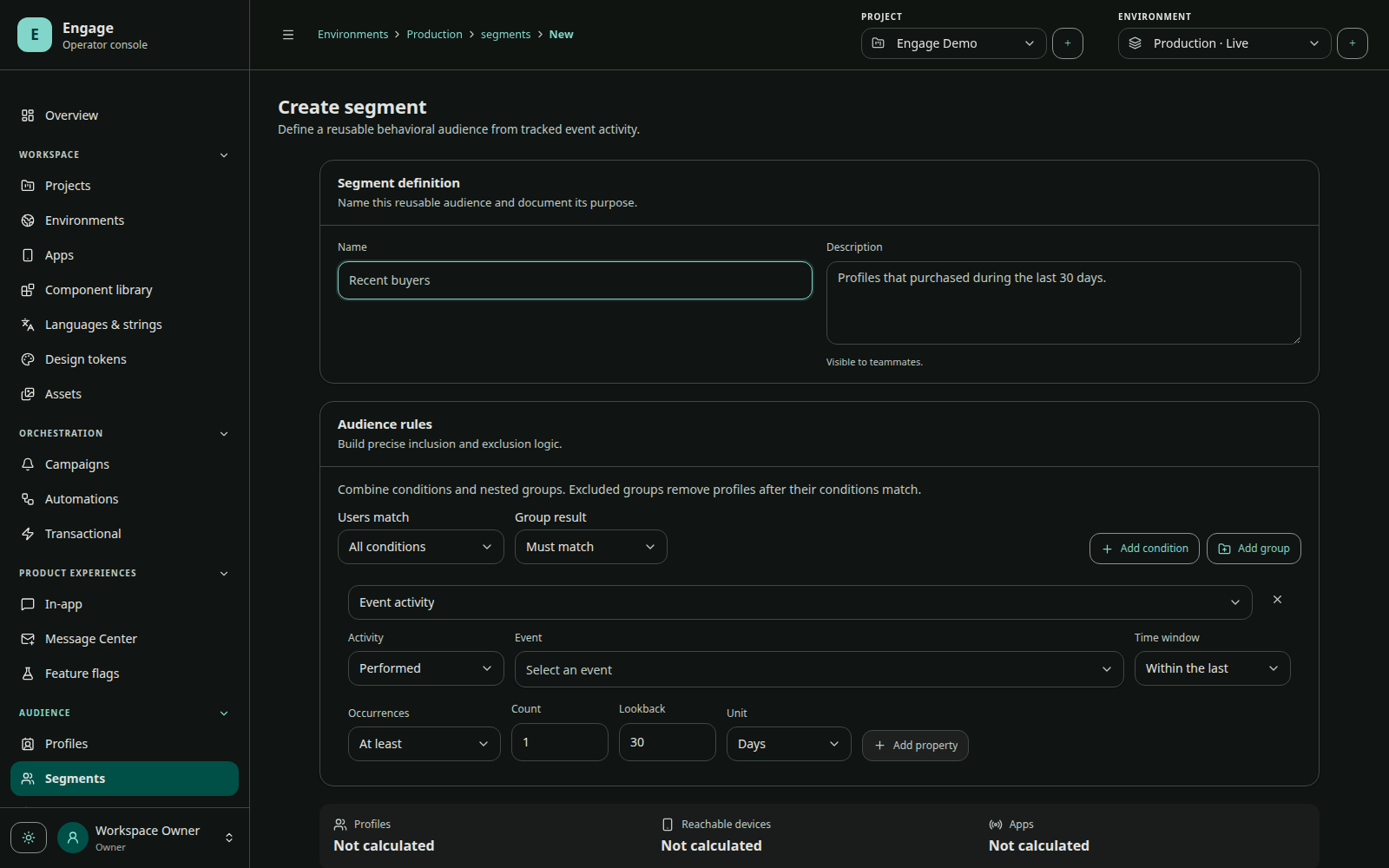
The segment builder stores a structured expression rather than executable client code. Expressions can combine supported profile/installation facts, event recency or occurrence, subscription state, tags, app/platform, and logical groups.
plan = "pro"
AND event "purchase_completed" occurred in last 30 days
AND profile subscription "product_updates" includes PUSH
AND NOT tag "support_suppressed"
The console provides an estimate before save. The segment worker evaluates membership and records active/inactive transitions. Audience-entry automations can react to those transitions.
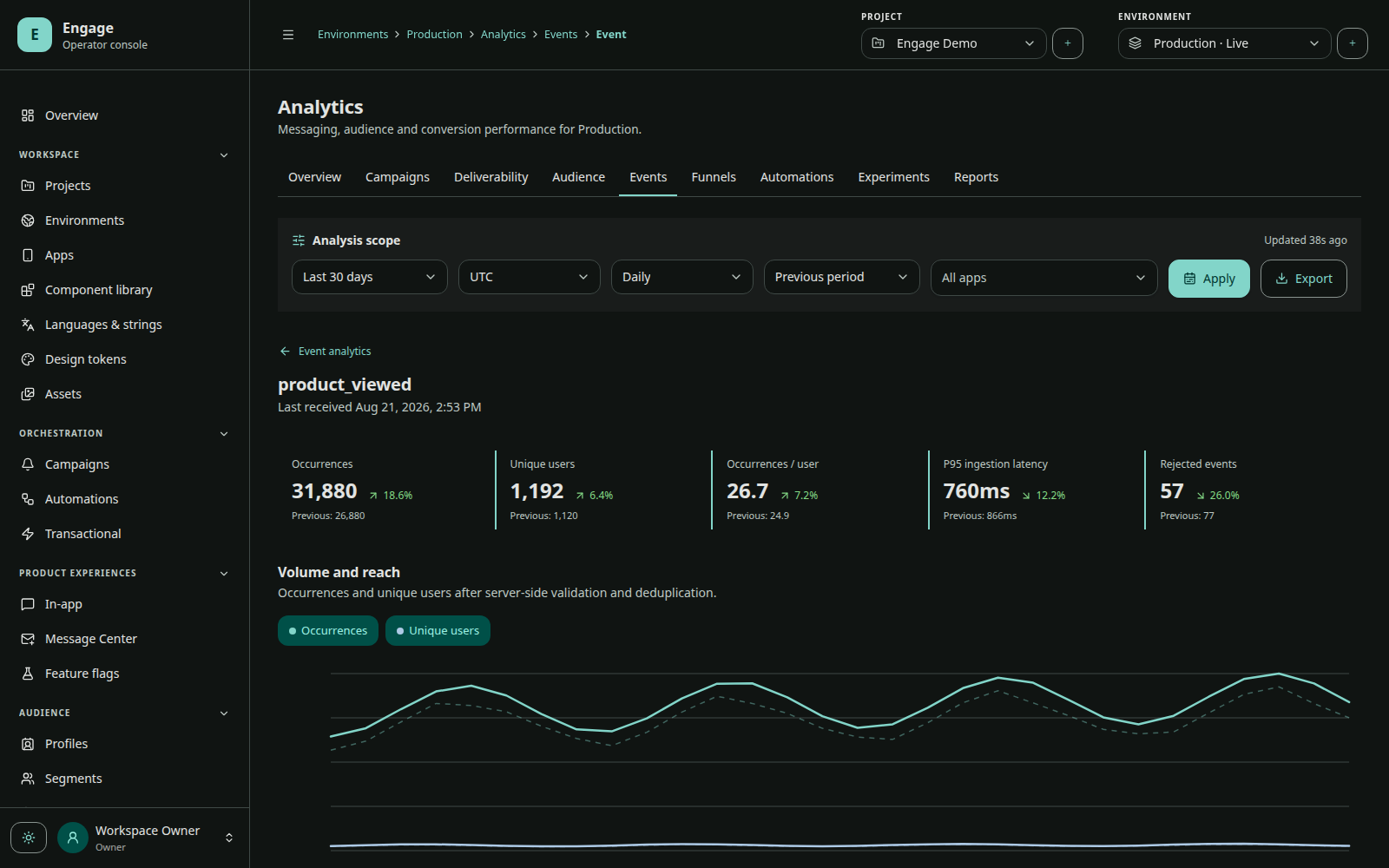
No events means no event audience
Event-based audiences require events. Installing the SDK alone creates an installation/profile projection but cannot infer product behavior. Define an event taxonomy and track events before relying on event recency, conversion, funnel, or event-triggered automation criteria.
Estimated versus deliverable
Segment size is not provider delivery count. Final push eligibility also considers:
- target app intersection;
- active environment and app configuration;
- installation/profile privacy state;
- subscription list and channel choice;
- system permission, Engage opt-in, and token registration;
- suppression and deduplication;
- provider acceptance, expiration, and device availability.
Test groups
Test groups are explicit operator-selected recipients for preview and QA. They are not dynamic production segments. Use them to validate locales, provider configuration, deep links, actions, and rendering before publishing or sending broadly.