Author in-app experiences
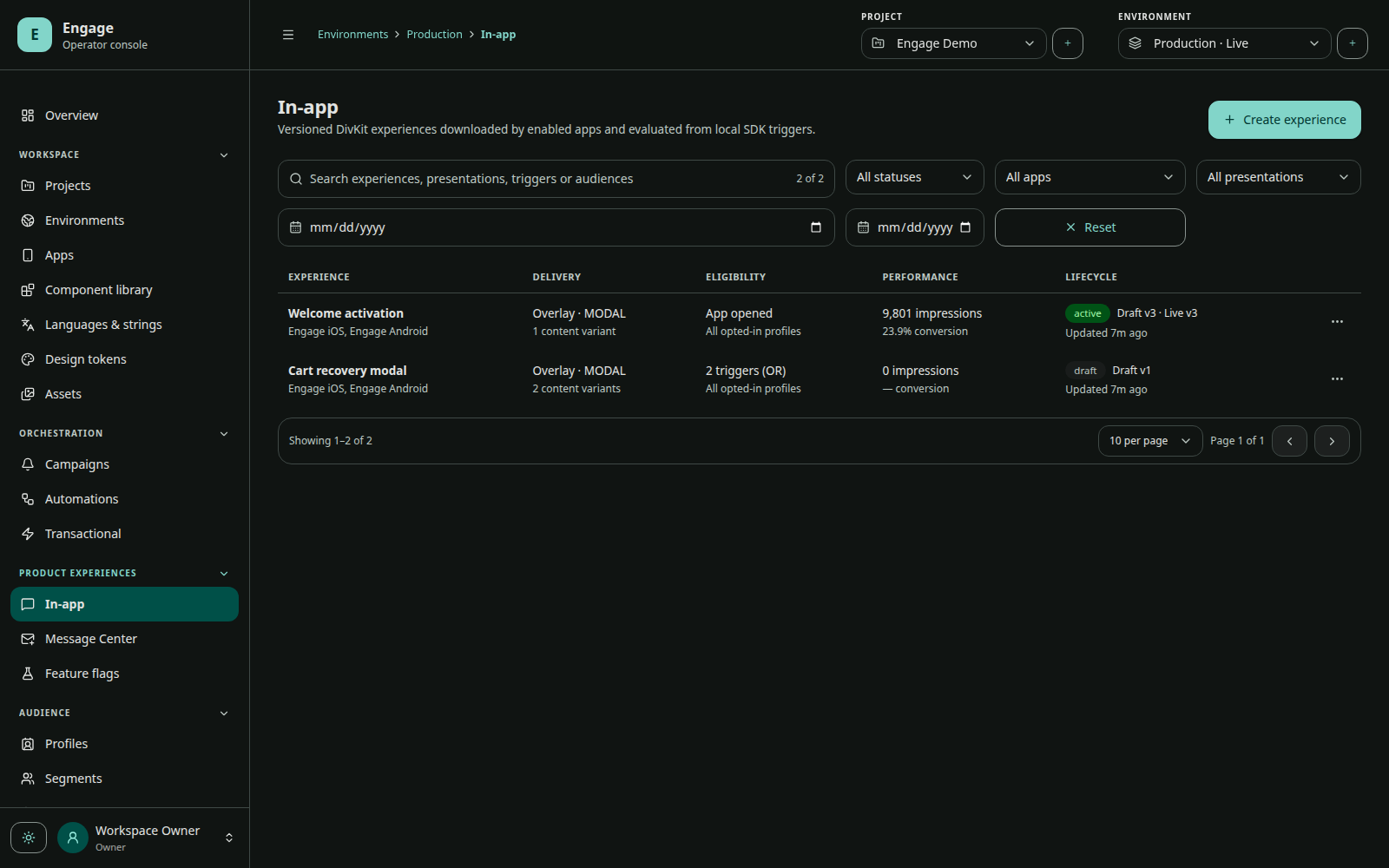
The Engage visual editor authors DivKit documents. SDKs carry the DivKit runtime internally, so applications receive JSON documents and do not compile generated UI code.
Content capabilities
An experience can contain a scene, image, web content, or survey. DivKit supports complex responsive compositions, reusable components, variables, state, actions, scrolling, images, text, inputs, accessibility metadata, and conditional content.
Engage adds product semantics around the document:
- target apps and audience;
- locale catalog, fallback, and variants;
- percentage allocation;
- trigger and delay;
- schedule and timezone mode;
- priority and conflict policy;
- display/frequency policy;
- overlay or embedded presentation;
- conversion goal and personalization sample context;
- revision, preflight, publish, pause, archive, and analytics.
Presentation modes
Overlay
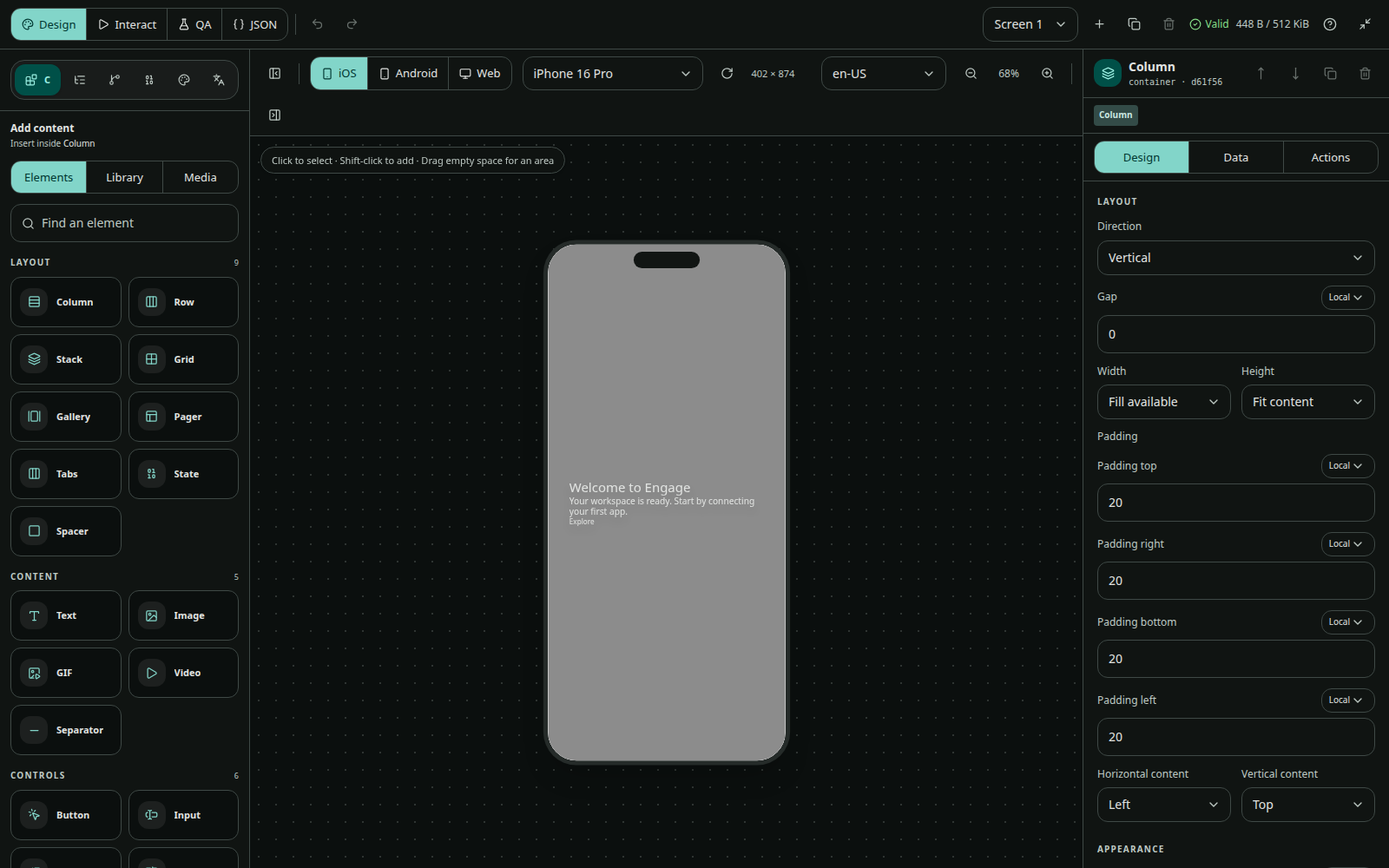
Choose banner, modal, or fullscreen. Configure position where applicable, backdrop, user dismissal, auto-dismiss, and entry animation. Fullscreen scenes may describe an entire application screen, but application-owned authentication, irreversible transactions, and trusted native navigation should remain host actions.
Embedded
Choose a stable placement key such as home.hero and an empty-state policy: collapse or reserve space. The mobile team adds the placement once; content teams can then publish compatible experiences without an app release.
Triggers
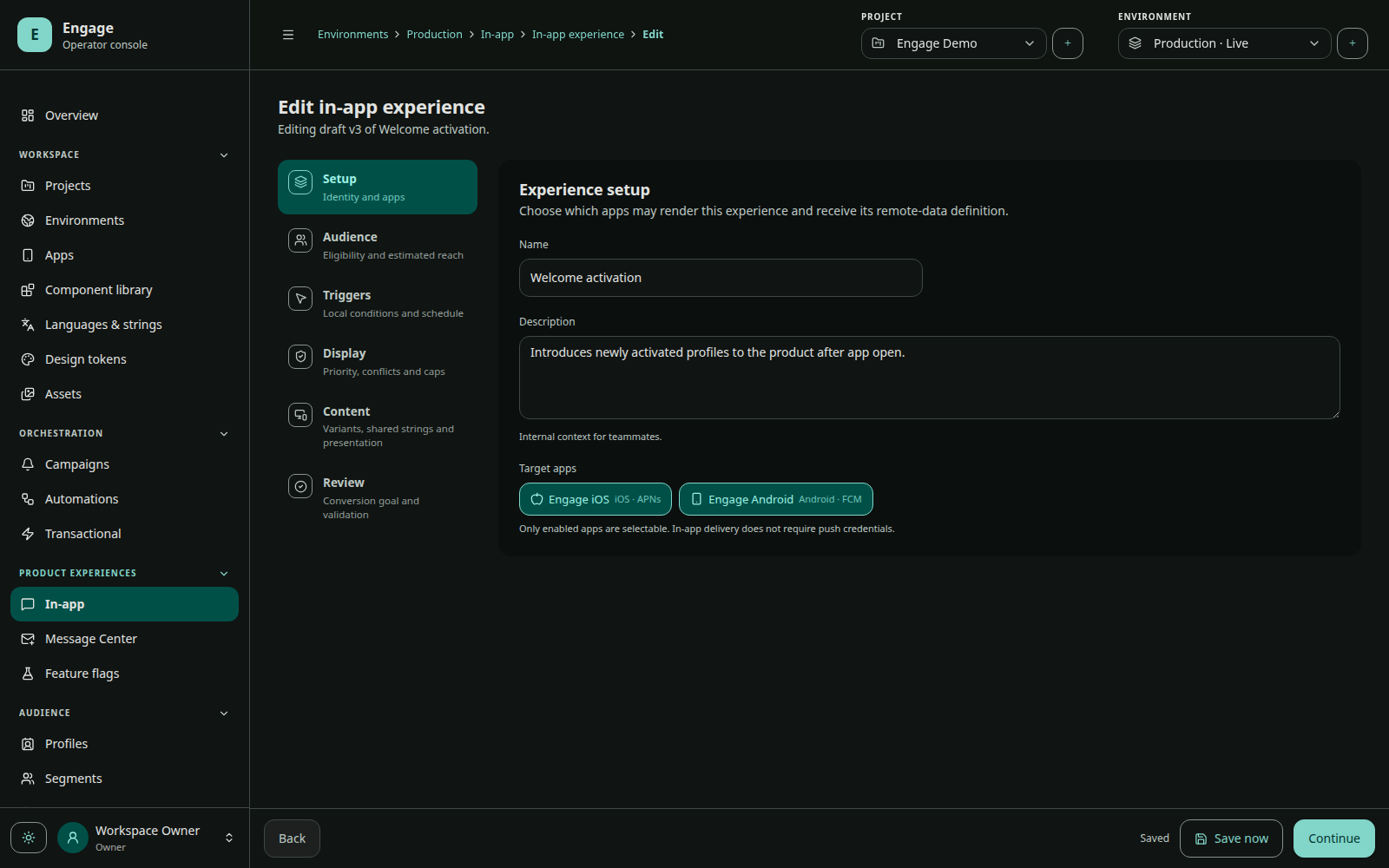
Supported triggers are app open, screen view, event, session count, and app update. Each can include a delay and type-specific constraint. Events and screens must be tracked by the SDK before they can trigger content.
Display policy
Limit total impressions, impressions per session/day, cooldown, and redisplay after dismissal. Conflict policy decides what happens when another experience has the display slot:
- replace a lower-priority experience;
- queue for later;
- skip this opportunity.
Personalization
Runtime personalization is implemented in the current backend and SDK
developbranches and requires the next coordinated mobile releases.
Documents may bind to declared data from profile, installation, triggering event, and runtime context. The editor stores sample context for preview. Use safe fallbacks for missing values and never expose secrets through personalization.
Reusable design system
Project media, design tokens, reusable in-app components, and localization catalogs are authored independently and referenced by experiences. Publishing resolves and validates dependencies into immutable runtime content.
Preflight and concurrency
Every draft has a monotonic revision. Save with the expected revision; stale editors receive a conflict instead of overwriting newer work. Preflight reports stable blocker/warning issues by category and path so the editor can attach errors to fields or DivKit nodes.
Publishing is blocked for invalid metadata, targeting, audience, triggers, schedule, display, content, presentation, or delivery configuration.
QA checklist
- Preview all locales, variants, sizes, themes, and accessibility settings.
- Simulate audience and trigger context.
- Verify overlay dismissal and back behavior.
- Verify embedded empty-state layout.
- Register and test every host custom action.
- Test offline cache and an expired schedule.
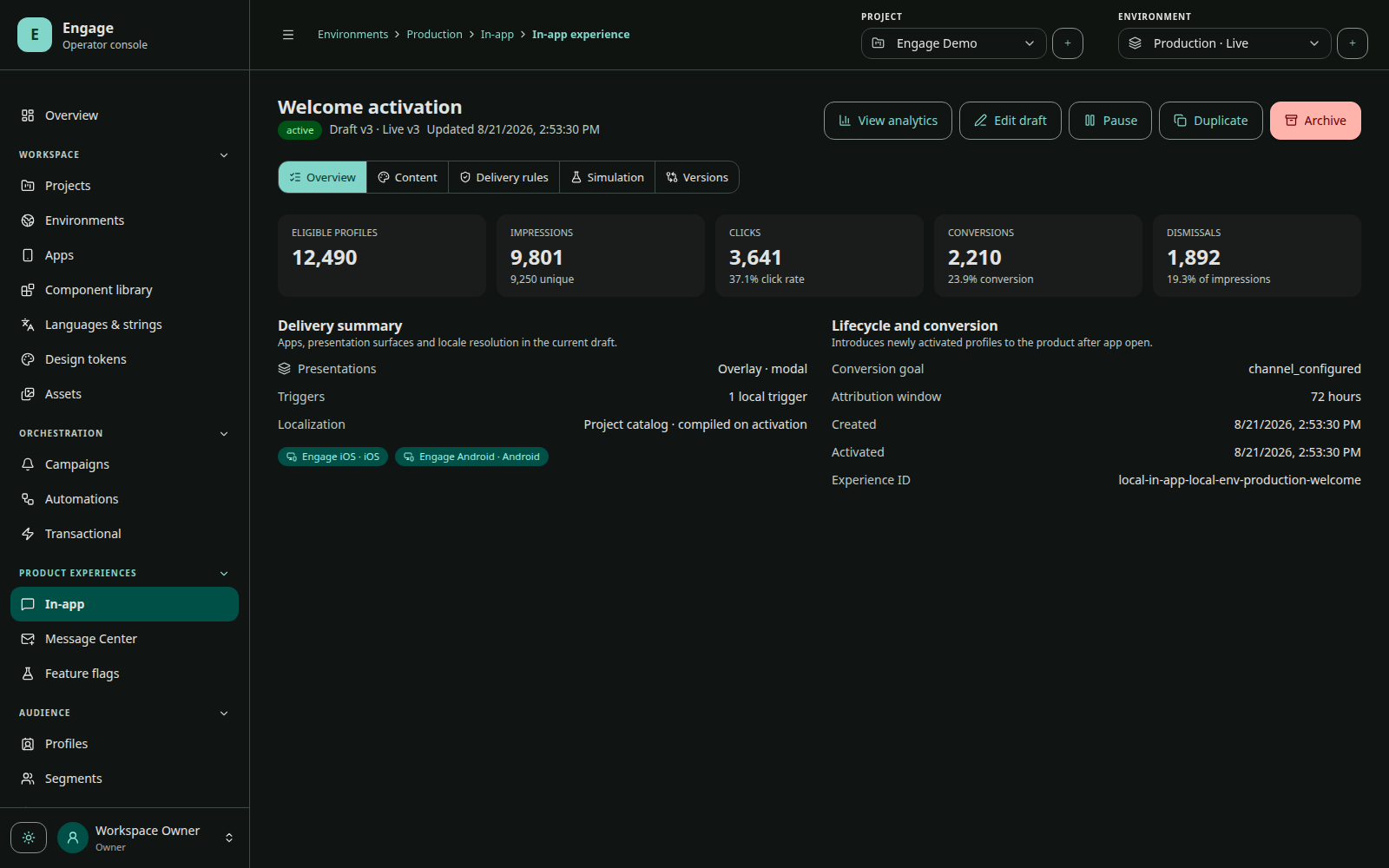
- Confirm impression, click, dismiss, and conversion events.