Build automations
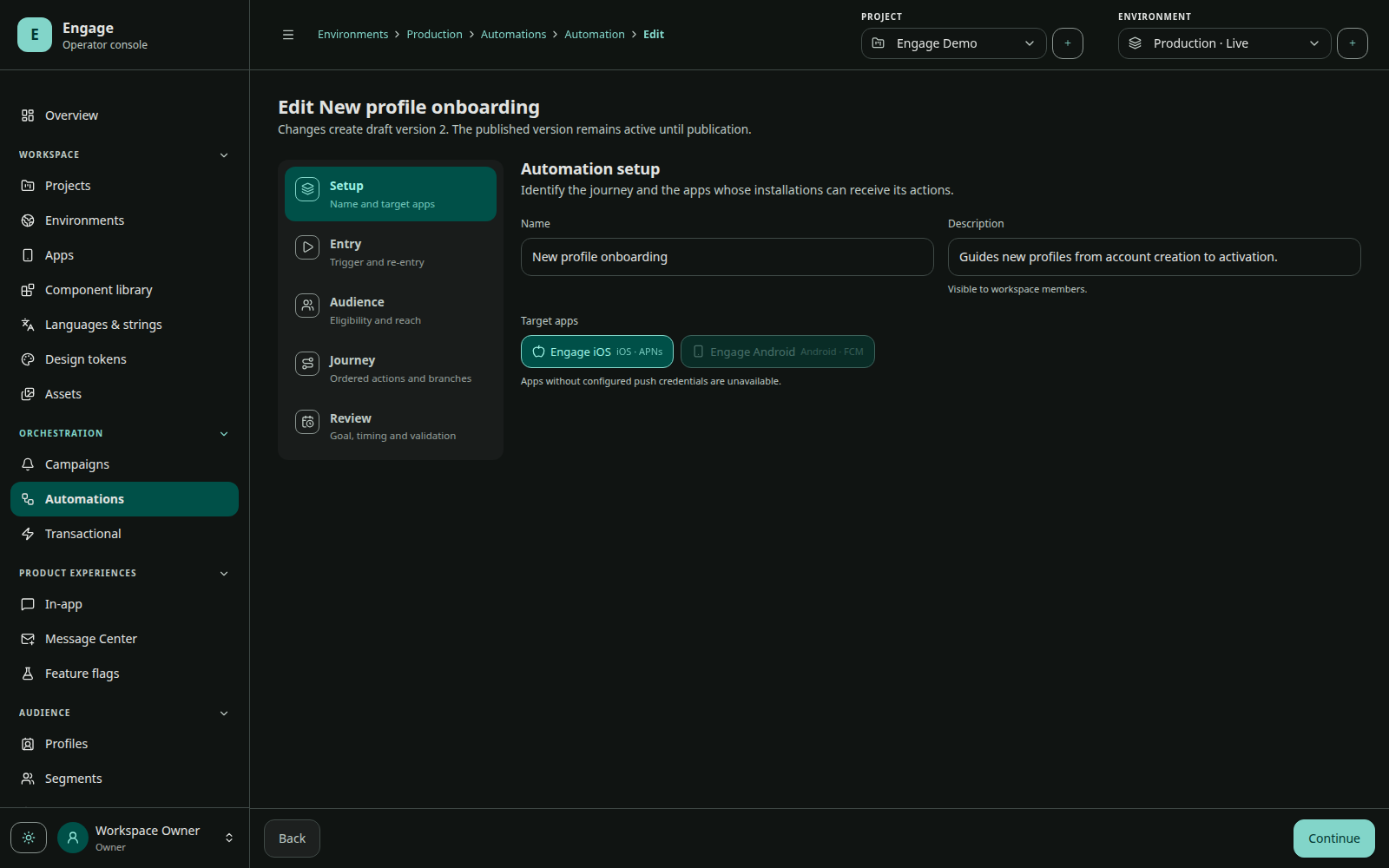
Automations are durable profile workflows. A published version defines entry, audience, re-entry, timing, steps, target apps, and conversion attribution.
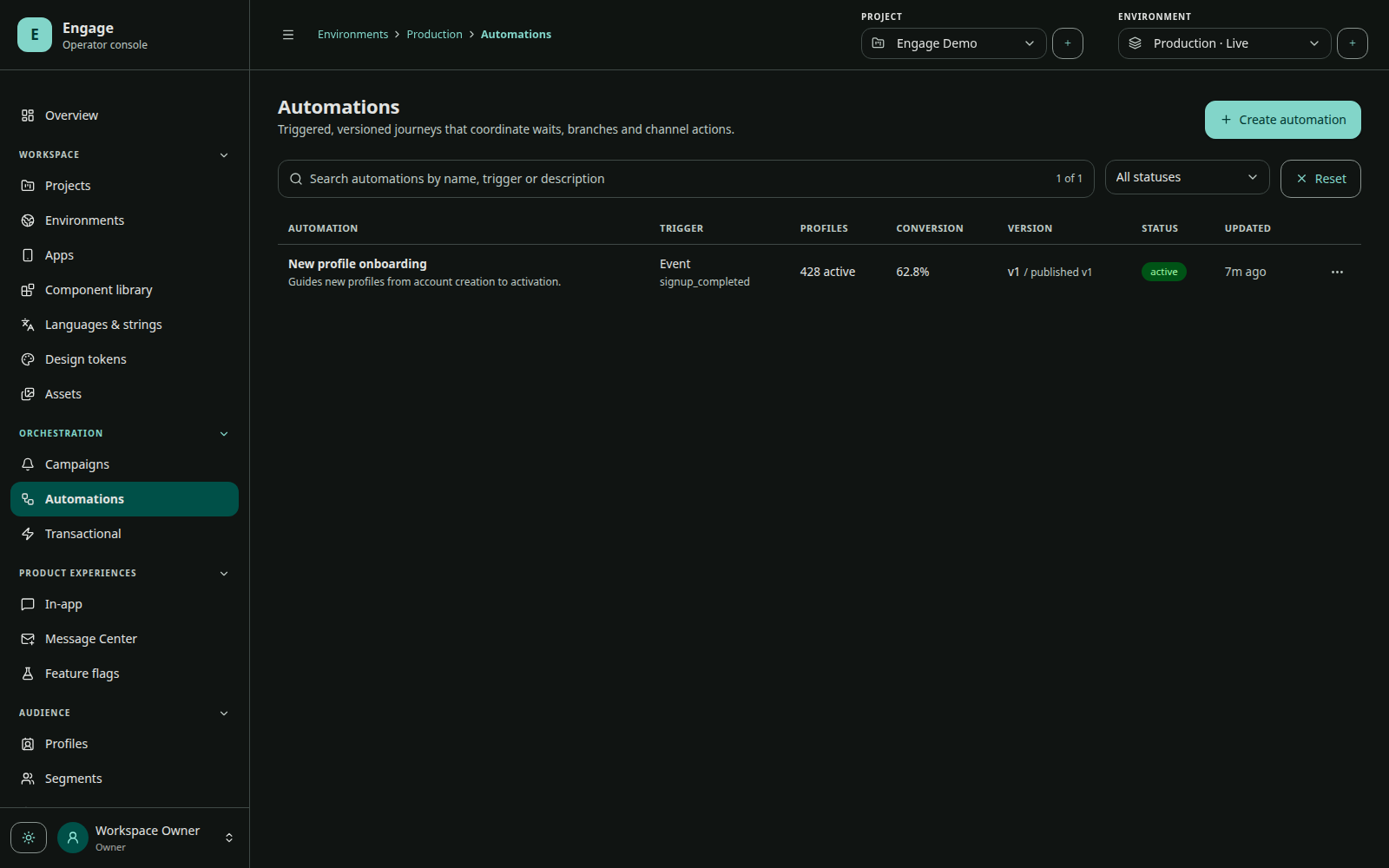
Entry triggers
| Trigger | Input |
|---|---|
| Event | tracked event name and context |
| Screen view | tracked logical screen name |
| Audience entry | segment membership transition |
| API | server call with authored automation key and JSON context |
An active automation evaluates its audience and target apps at entry. No event-triggered automation can run until the corresponding event is tracked.
Re-entry
Choose never, after exit, or after a configured delay. Re-entry is evaluated per profile and published automation. API retries do not bypass this policy.
Steps
| Step | Behavior |
|---|---|
| Wait | schedule the run after minutes, hours, or days |
| Condition | continue or exit based on profile/context expression |
| Push | enqueue a push using current workflow context |
| In-app | create profile/app-scoped content with availability and expiry |
| Webhook | call an external POST/PUT endpoint with retry-safe execution |
| Update profile | set, remove, or increment an attribute |
| Exit | complete the run explicitly |
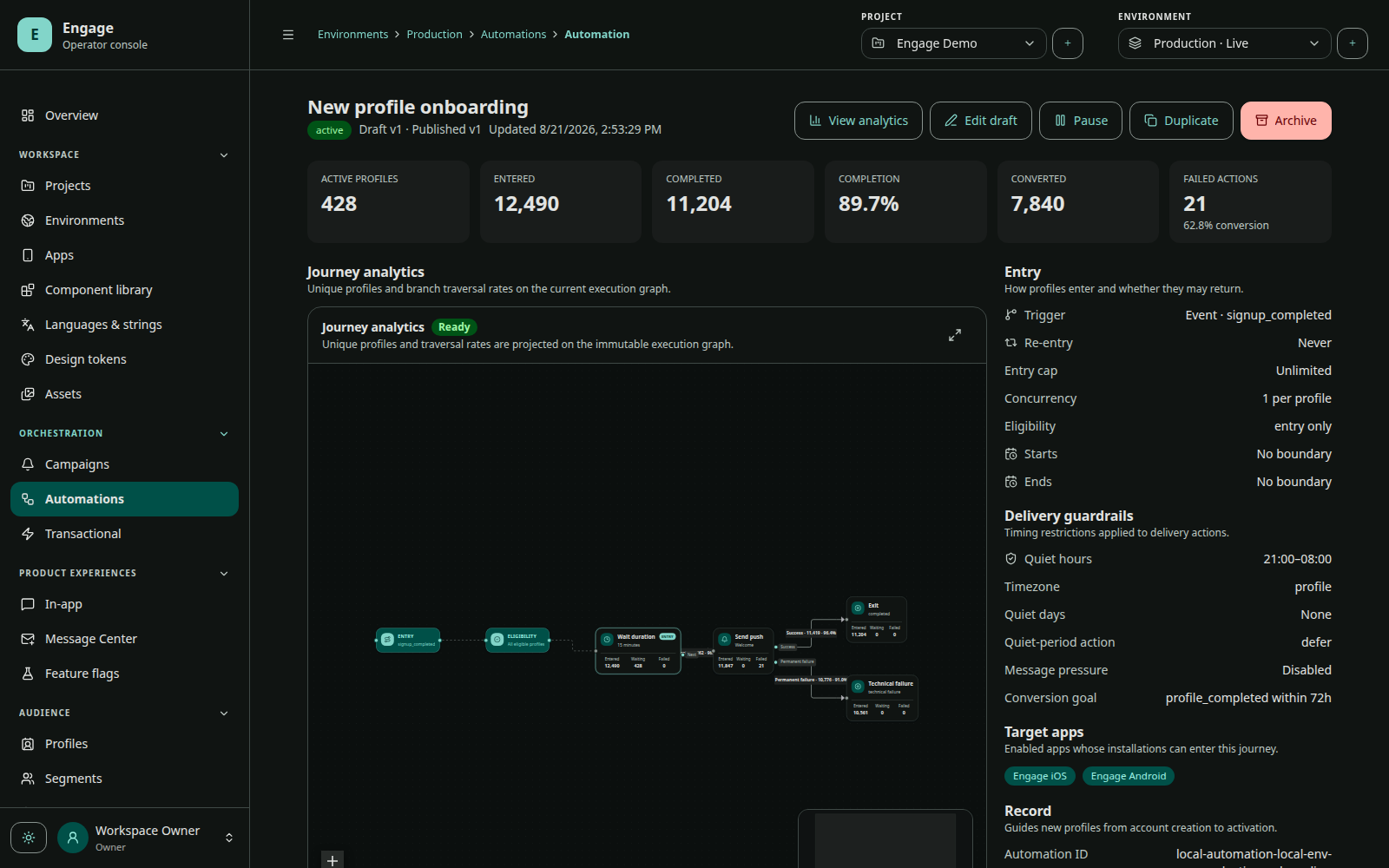
Quiet hours can use profile or environment timezone. Start/end dates bound entry. Conversion goals match an event within a configured window.
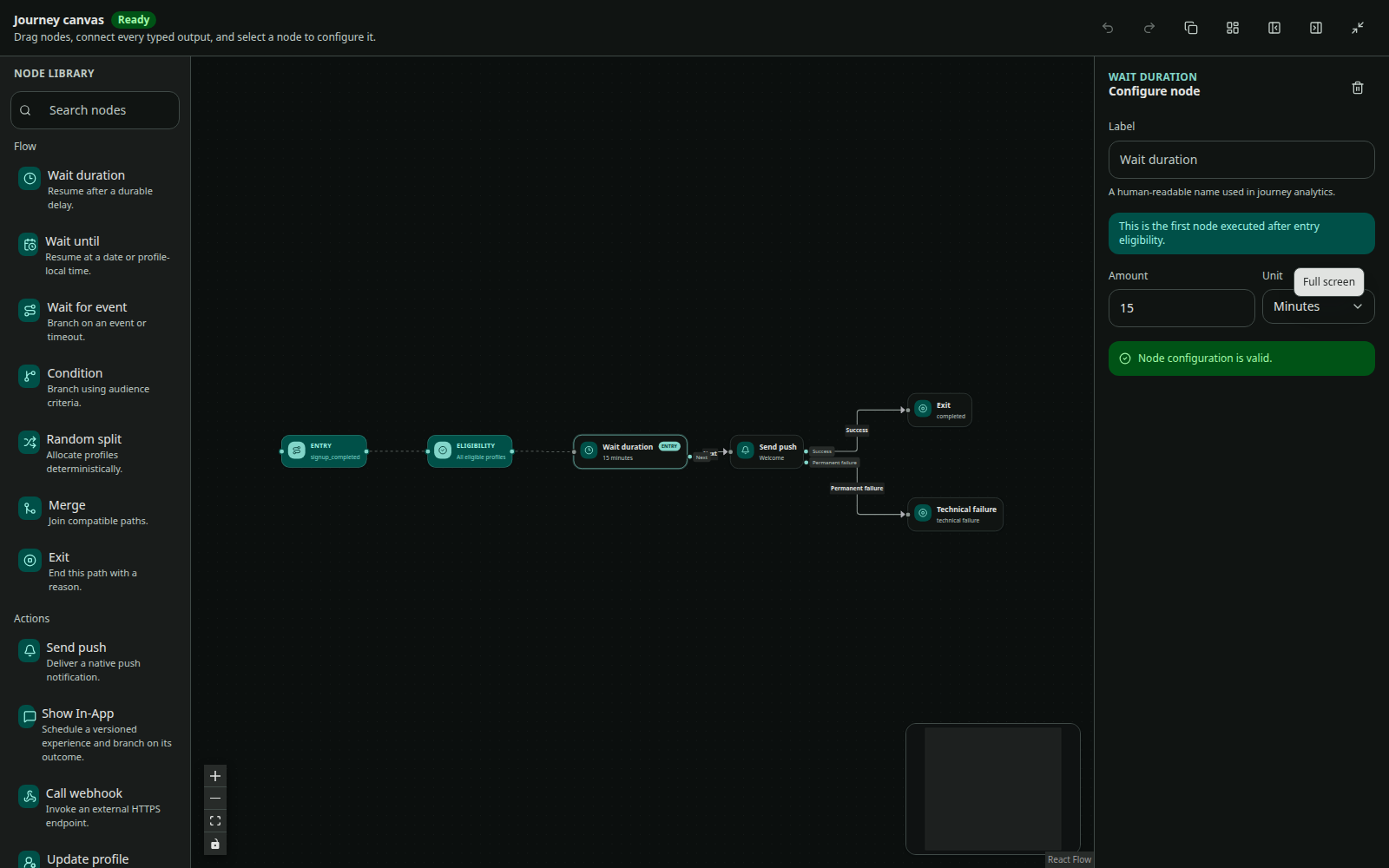
Draft, simulate, publish
Draft edits create versions. Use simulation with a profile and context before publication; the timeline reports whether each step would wait, execute, or exit and whether the profile is ineligible, exits, or completes.
Publishing freezes the workflow version for new runs. Existing runs retain their automation version so a later edit does not rewrite a journey in progress.
Runtime reliability
Runs have pending, waiting, processing, completed, exited, or failed status. Workers claim due runs, renew claims, and record each step execution as completed, waiting, failed, or skipped. Use run and step diagnostics rather than manually replaying a whole workflow.
API entry
For an API-triggered automation, use the environment access key and the automation’s authored API key. See Trigger automations.