Publish Message Center content
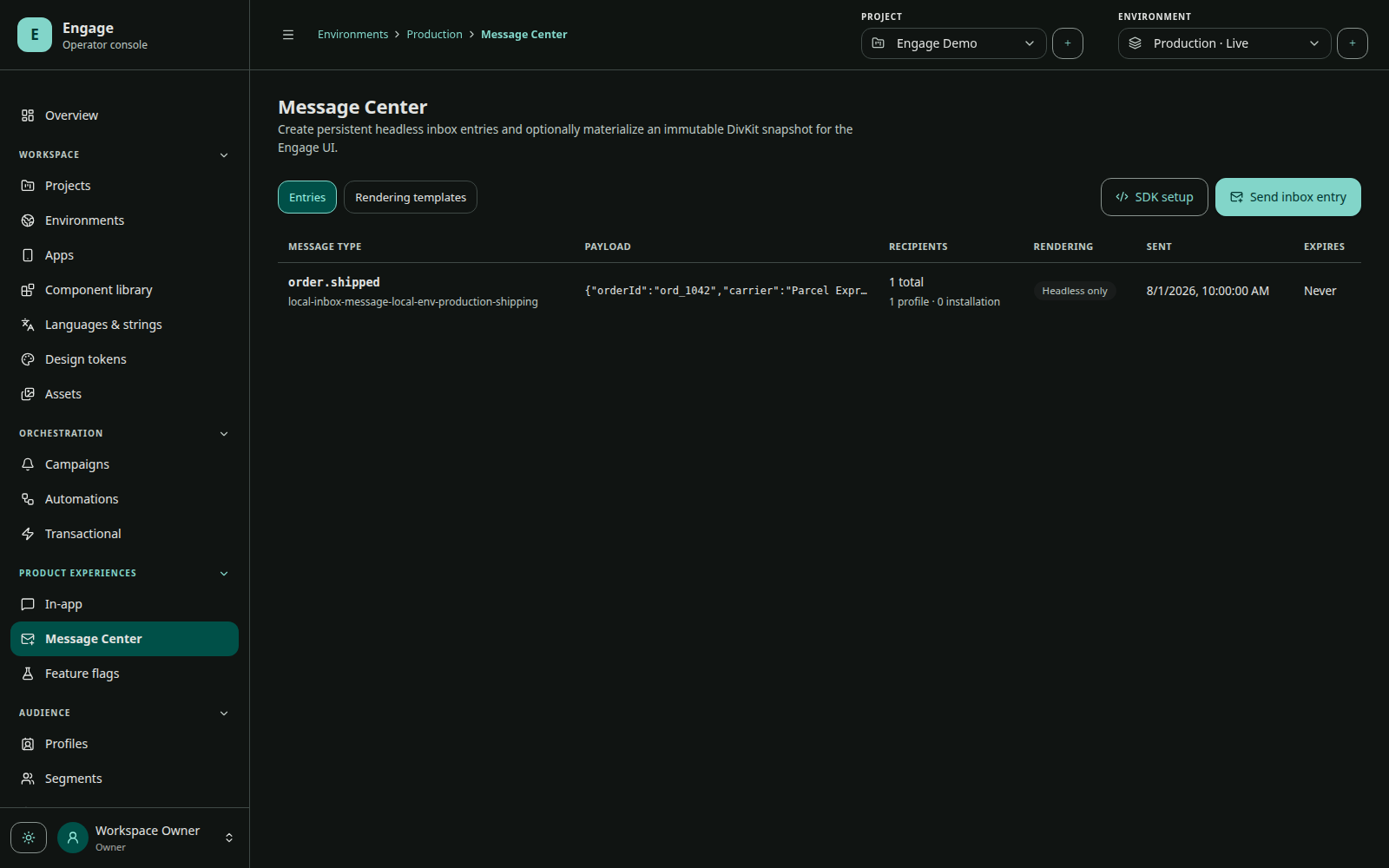
Message Center decouples durable inbox content from a transient notification. A user can reopen an entry after the push expires or is dismissed.
Template surfaces
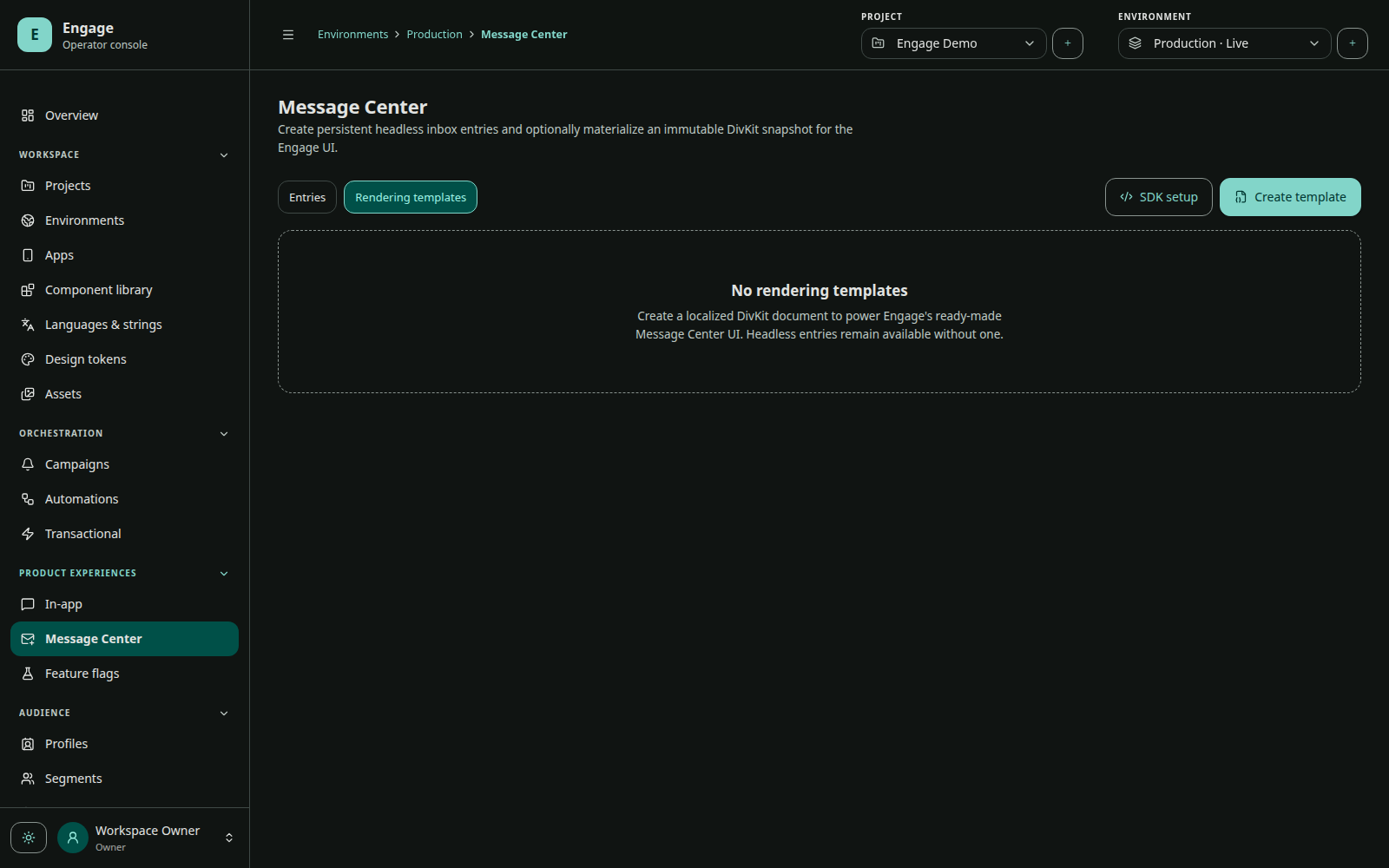
Each template locale must publish two DivKit surfaces:
SUMMARYfor the inbox row;DETAILfor the full message.
Both use the same template revision and payload contract. Keep SUMMARY compact and scannable. Put complete content and primary actions in DETAIL.
Authoring model
A template defines key, name, locale/fallback, target apps, payload schema, rendering documents, and publication revision. A message binds a payload to the published template snapshot and recipient inbox state.
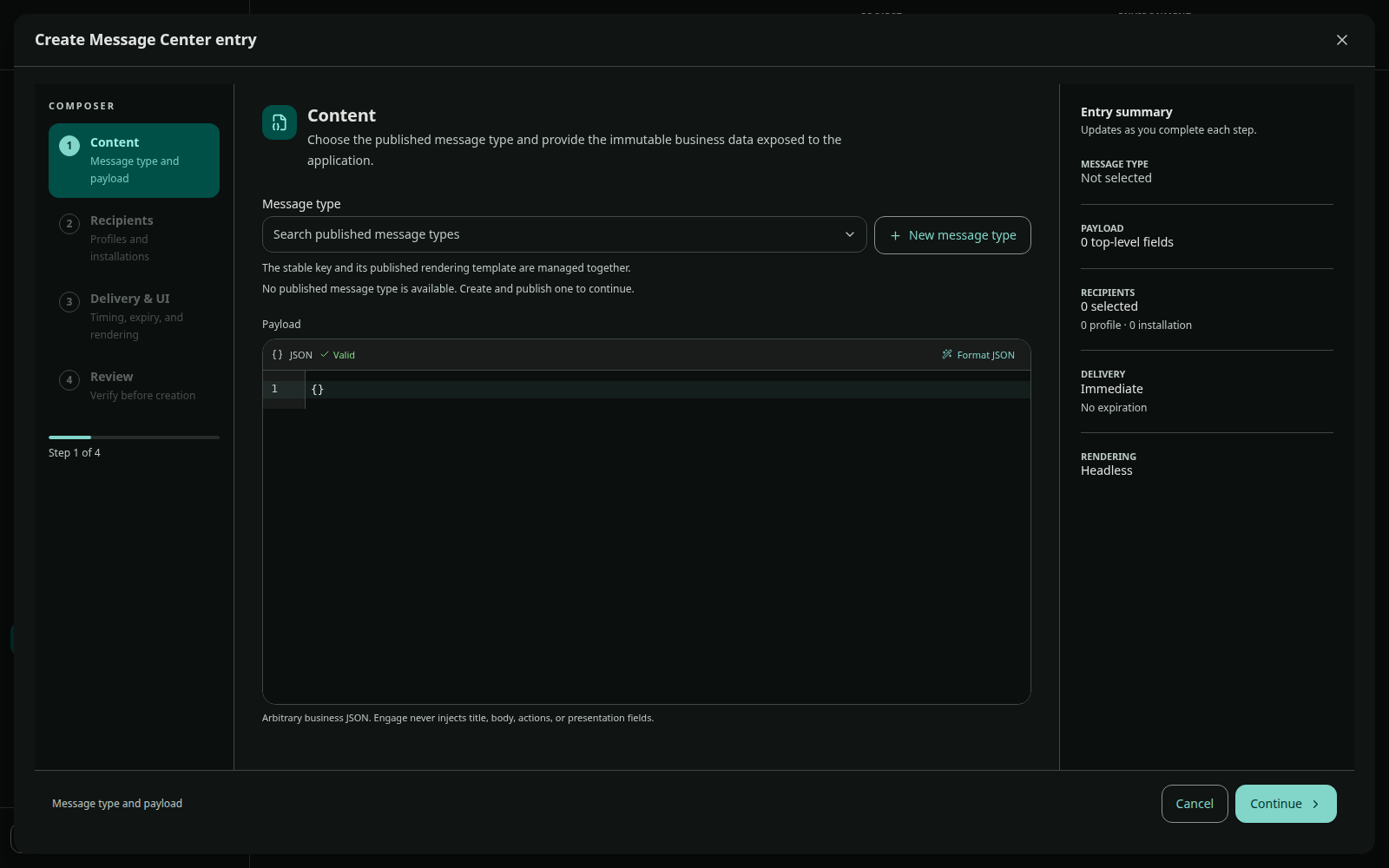
Changing a template later does not mutate an already-published inbox snapshot. This preserves auditability and prevents a message from changing after a user receives it.
Actions
Use shared Engage action names for host-owned navigation or behavior. Register the handlers in every supported app before publishing content that invokes them. DivKit handles document-local state; the host action registry crosses into trusted application behavior.
Delivery and notification
Inbox storage and push notification are separate outcomes. A message can exist in the inbox even if its notification is not displayed. If a notification announces the entry, tapping it should open the matching detail ID rather than a generic inbox when possible.
Read lifecycle
The SDK marks read only after the detail surface is visible. Listing an entry, tapping a row that fails to resolve, or prefetching its document does not mark it read. Delete, mark-unread, mark-all-read, and read receipts are durable inbox operations.
Rendering responsibility
- Ready-made UI owns inbox/detail navigation and native chrome.
- Embedded UI lets the host own navigation while Engage renders summary/detail.
- Headless UI returns entry key and payload; the host owns the contract and rendering.
See Mobile Message Center for integration examples.
QA checklist
- Publish both surfaces for every required locale.
- Test empty, loading, offline, deleted, and unavailable states.
- Test long text, dynamic type, screen readers, dark theme, and narrow screens.
- Verify actions and deep links.
- Verify read occurs on visible detail, once.
- Confirm push announcement and inbox entry use the same destination.