Environments and apps
An environment is both a data boundary and an operational boundary. It owns profiles, installations, segments, messages, workflows, credentials, API keys, delivery records, analytics, quotas, diagnostics, retention, and privacy operations.
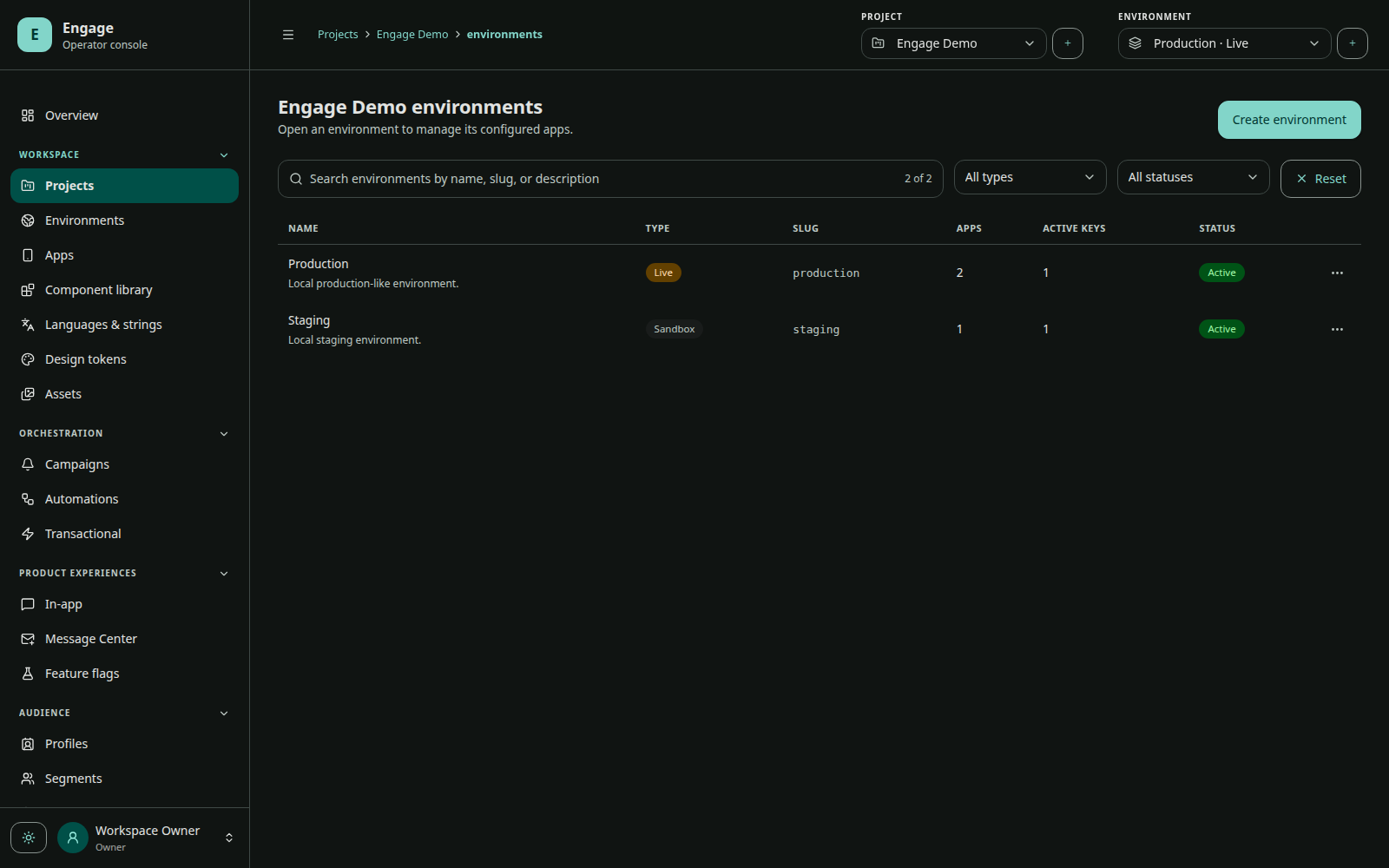
Recommended topology
Separate Firebase projects and app identifiers provide the strongest operational isolation. At minimum, use distinct Engage environments and app keys. Never reuse a production app key in a test build.
App configuration
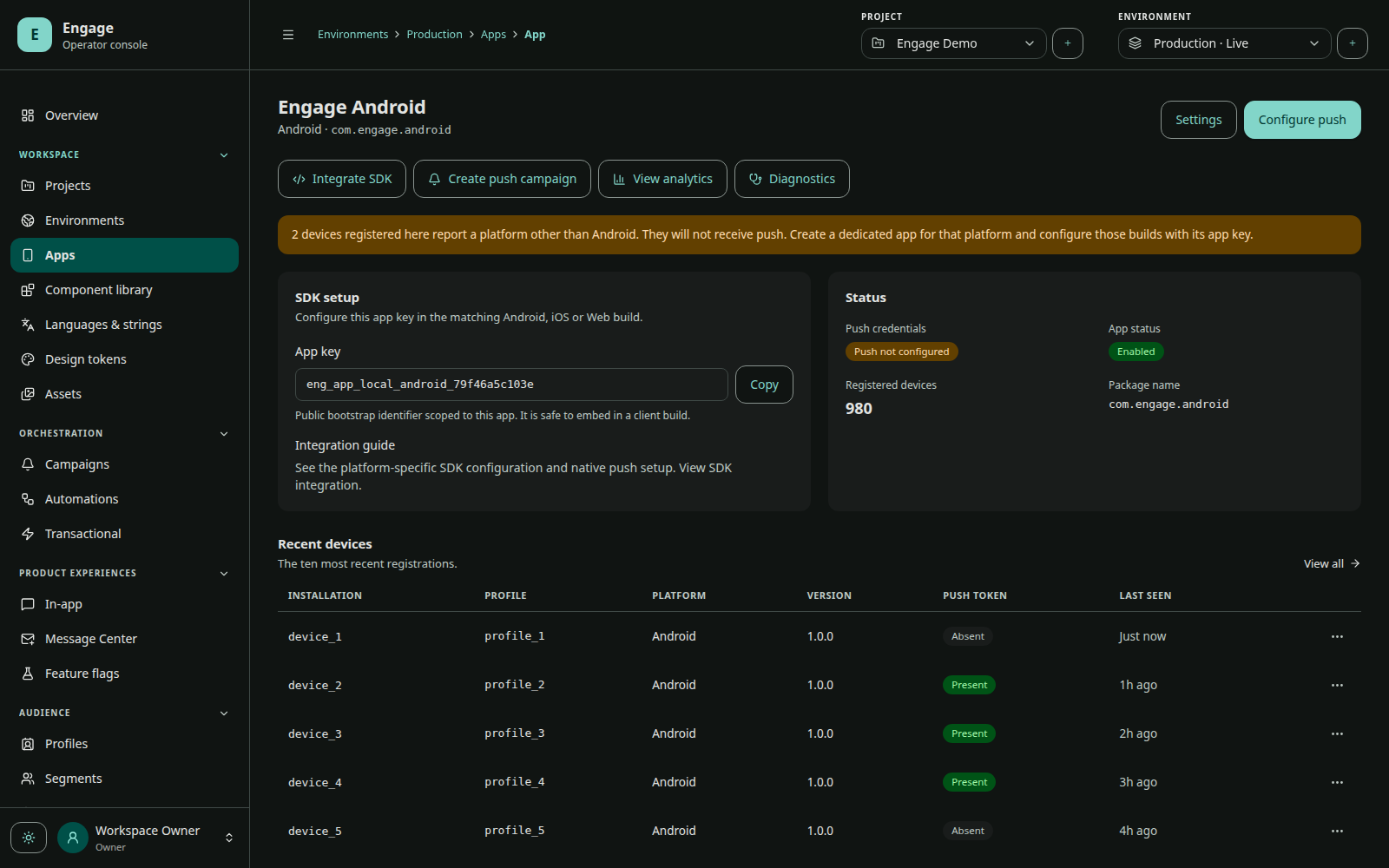
Each app has:
- platform and platform identity;
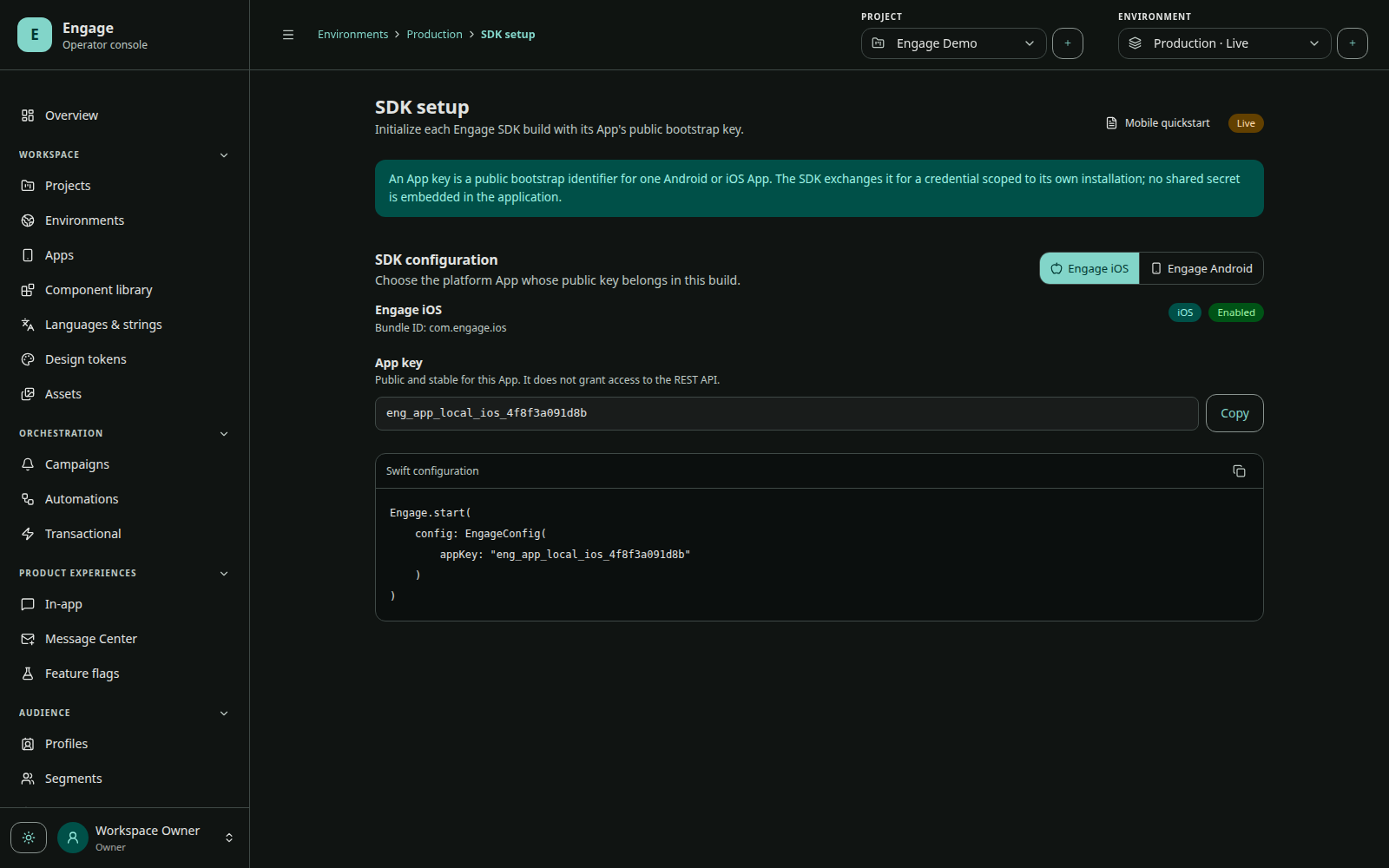
- public SDK app key;
- push provider configuration and validation status;
- configured notification/channel capabilities;
- installation and delivery diagnostics;
- eligibility for access keys, content, campaigns, flags, and workflows.
An app key selects exactly one app at SDK bootstrap. The installation remains scoped to that app and environment.
Environment lifecycle
Use environment status to prevent operations in a retired or disabled environment. Before production activation, verify provider credentials, API keys, SDK installation, push permission/token, test groups, transactional templates, webhooks, analytics, quotas, and retention policy.
Access controls
Workspace roles and permissions govern who can view, edit, publish, send, manage integrations, access billing, change security, or inspect audit logs. Use publish/send permissions as deliberate release gates rather than sharing administrator access.
Promotion between environments
Content and configuration should be reviewed and recreated/promoted with environment-specific app targets and credentials. Do not copy IDs or secrets blindly: target app IDs, access keys, provider credentials, audience population, and analytics belong to the destination environment.
Project-level assets
Projects can share media assets, design tokens, reusable in-app components, and localization catalogs across their environments. Published experiences compile those inputs into environment/app-specific runtime documents.