Push campaigns
A push campaign creates a versioned broadcast message and a durable delivery fan-out. Draft editing uses optimistic revision checks so two editors do not silently overwrite each other.
Compose content
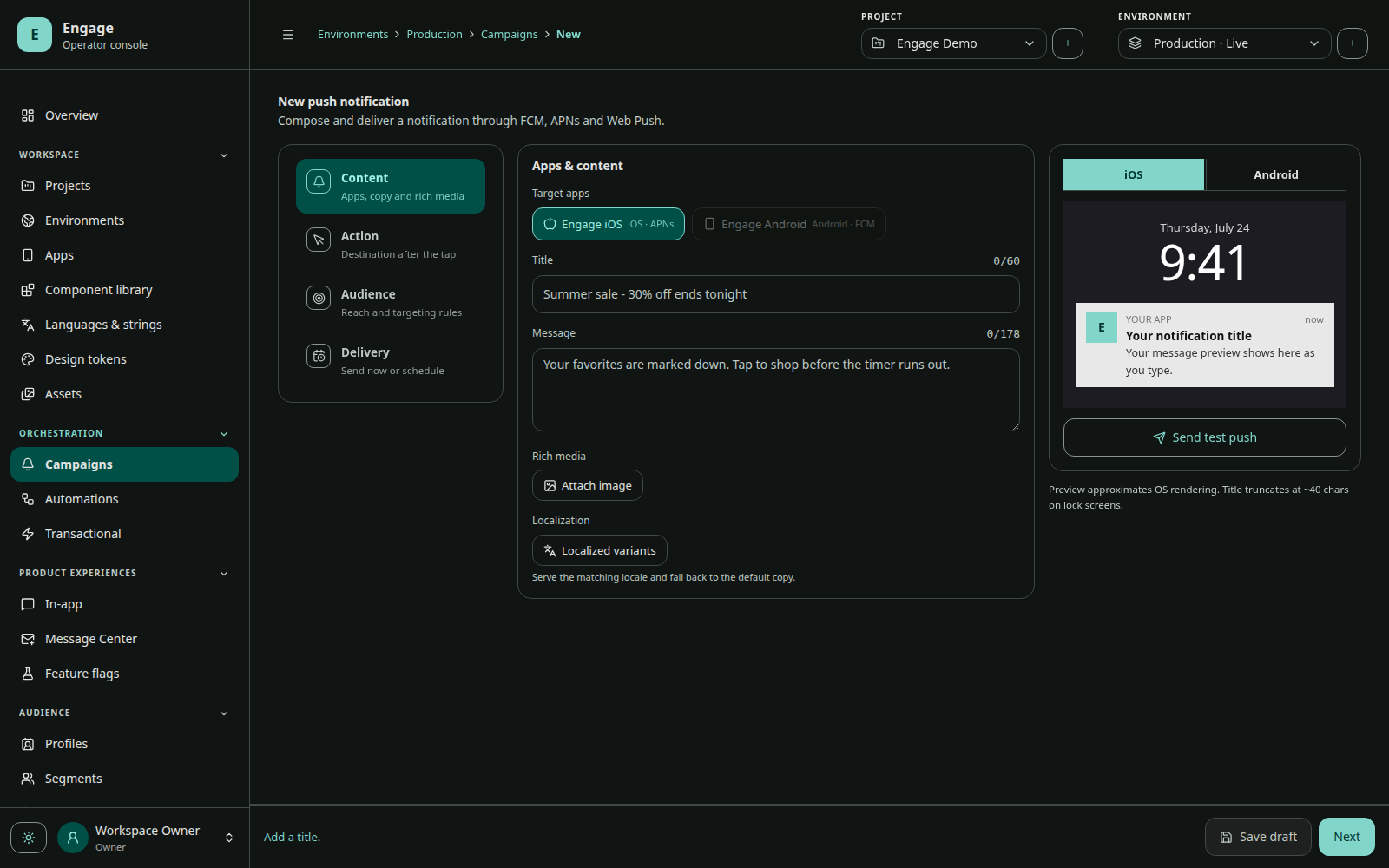
Define fallback title/body and optional image. Add locale variants and a default locale. Platform overrides can customize:
| Android | iOS |
|---|---|
| title, body, image | title, body, image |
| channel key | category key |
| category key | thread ID |
| notification tag | sound |
| tap action | absolute badge (0 clears) |
Tap behavior is one of open app, deep link, web URL, or custom action. Custom data is a bounded string map delivered with the message.
Select audience and apps
Target all eligible profiles or a structured audience/segment expression, then select the apps. Optionally require a subscription list. The exact audience expression is stored on the broadcast revision for auditability.
Delivery policy
- Priority: normal or high. Reserve high priority for time-sensitive user-visible messages.
- TTL: how long a provider may attempt delivery.
- Collapse key: replace older pending messages in the same logical stream where supported.
- Schedule: immediate or future time.
- Recipient timezone: optionally deliver relative to each recipient’s timezone.
Test before send
Send to a test group and verify on real devices:
- Android and iOS rendering;
- foreground, background, and terminated state;
- locale fallback;
- image fallback;
- notification channel/category;
- deep link, URL, and custom action;
- open/dismiss/action analytics;
- only one notification per delivery.
Lifecycle
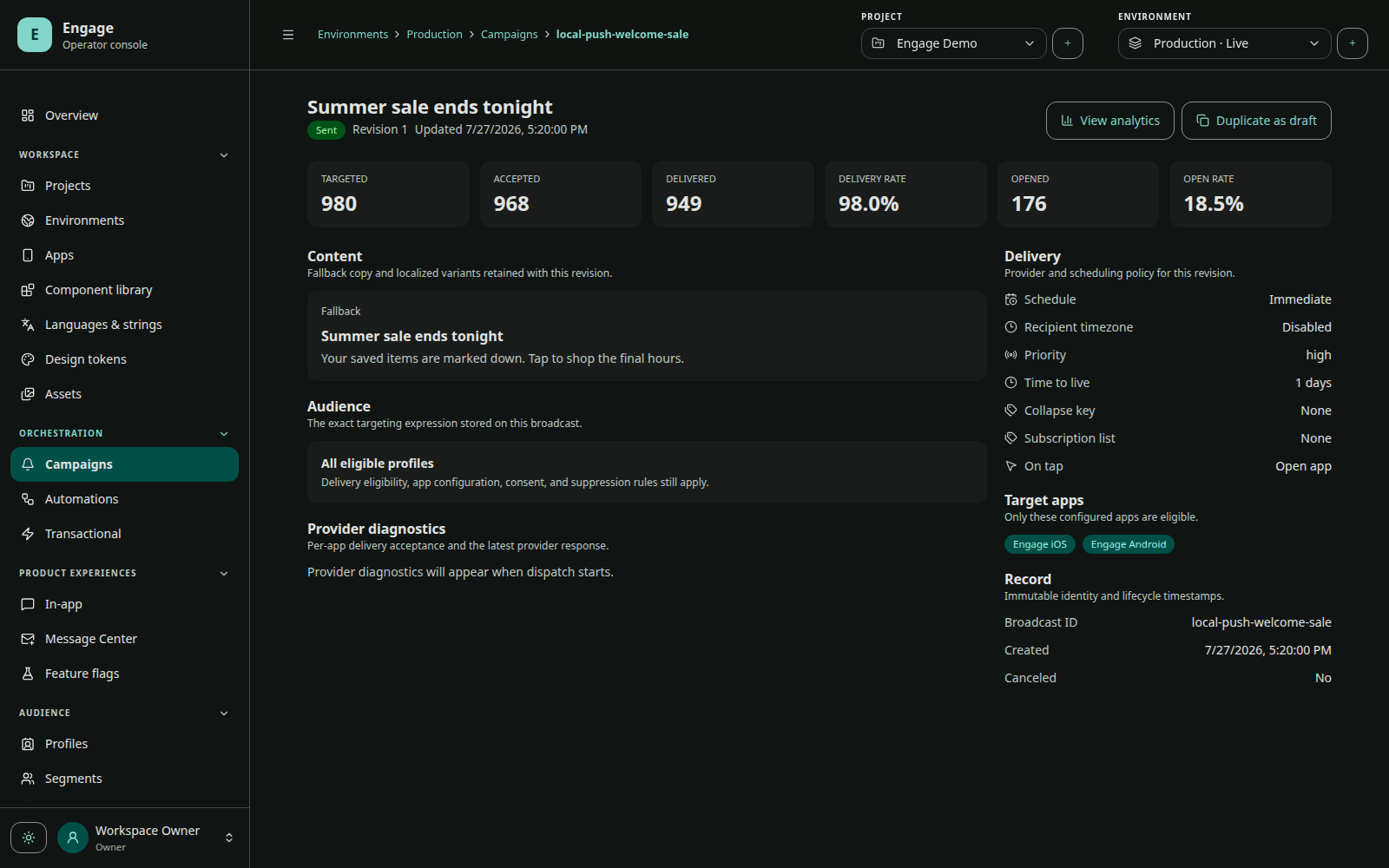
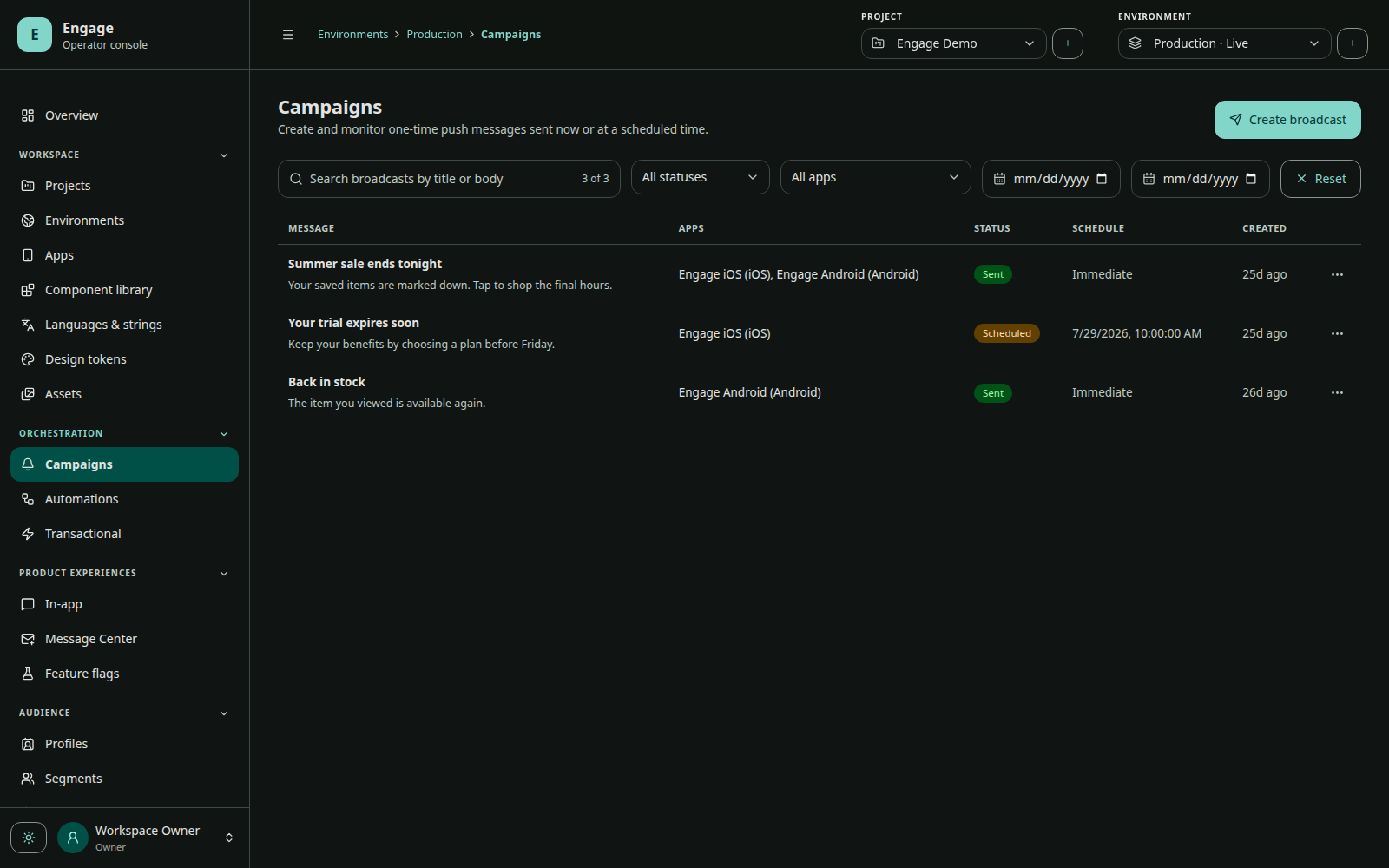
Campaign status moves through draft, scheduled, sending, sent, failed, or canceled. Sending snapshots the revision and audience. Dispatch shards page the audience and enqueue per-installation deliveries into the durable outbox. Canceling prevents remaining eligible work but cannot retract notifications already accepted by a provider.
Metrics
The campaign detail separates:
- targeted profiles;
- accepted deliveries;
- provider/device delivered receipts;
- opens and open rate;
- failures and latest provider diagnostic per app.
Do not interpret accepted as delivered. FCM/APNs acceptance only means the provider accepted the request.