Feature flags
Feature flags deliver typed configuration to target apps without making application startup depend on a network request.
Value types
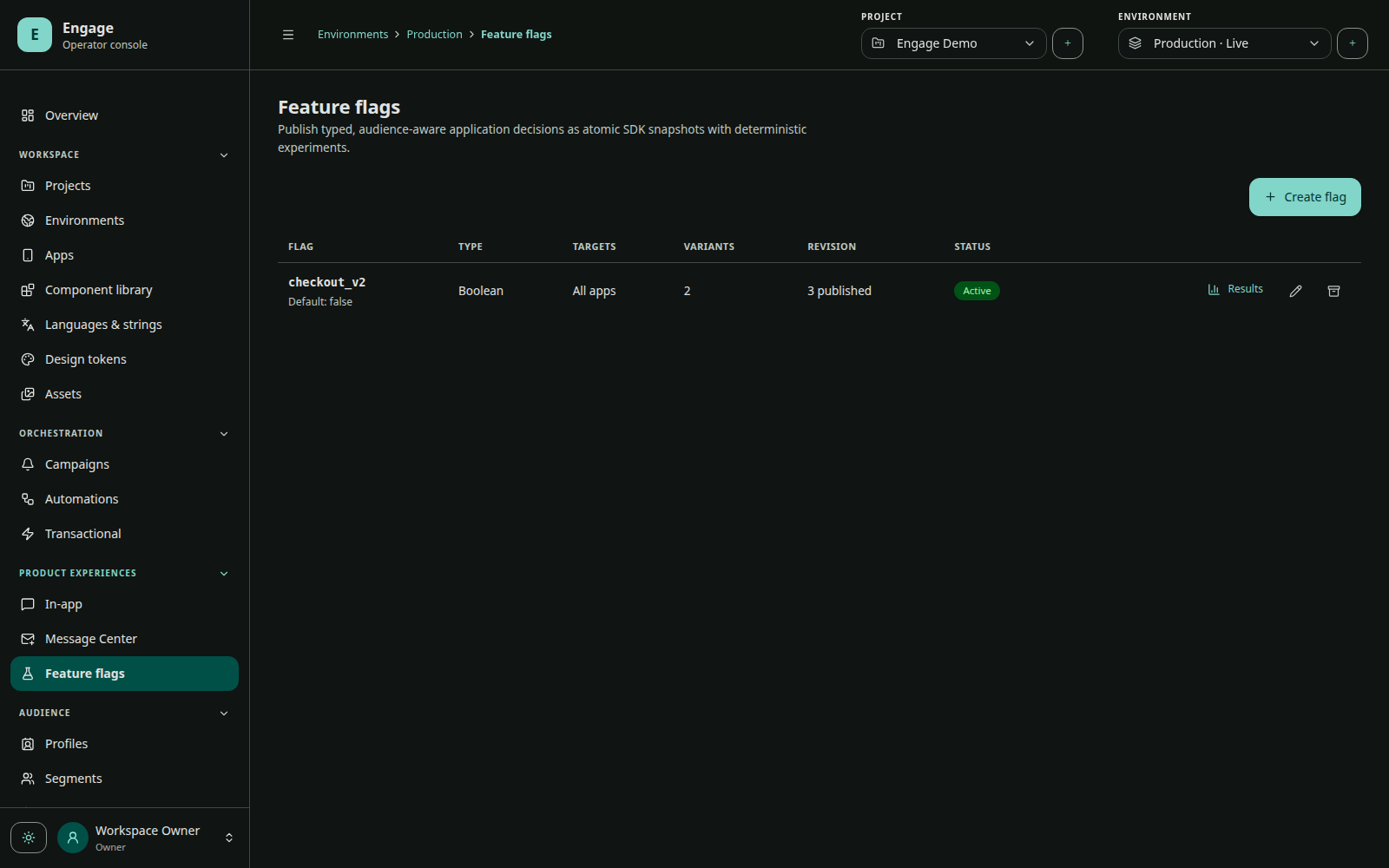
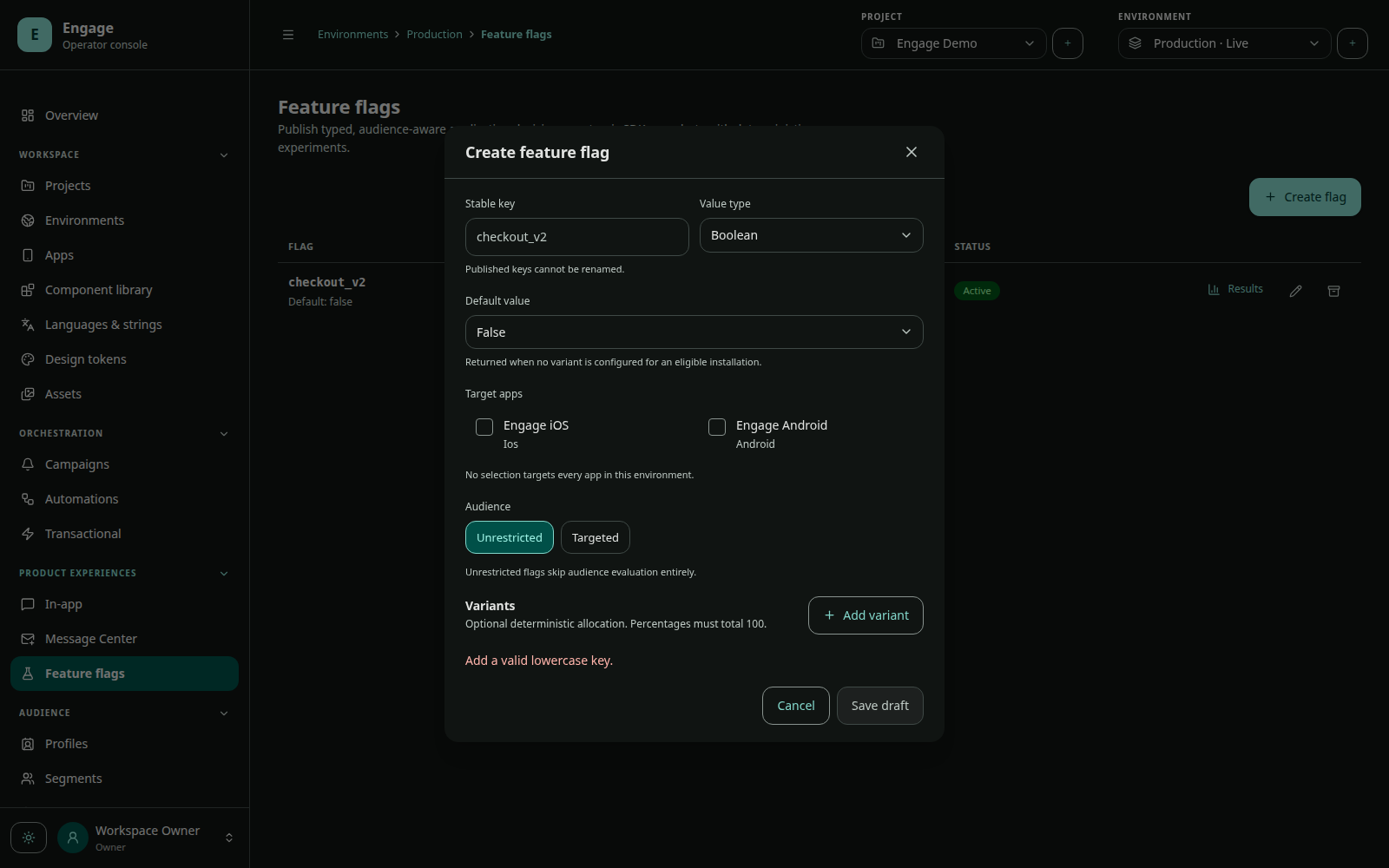
Flags are boolean, string, number, or JSON. Choose the type at creation and provide a safe default. Client code must also provide a local fallback of the same semantic type.
Targeting and variants
A flag configuration contains:
- structured audience expression;
- target app IDs;
- default value;
- variants with stable keys, typed values, and allocation percentages;
- optional conversion event name.
Allocation is deterministic for an eligible subject. A user should not jump variants on every read. The published revision and assigned variant are included in exposure/experiment analysis.
Draft and publish
Flags are draft, active, or archived. Editing an active flag creates unpublished changes while runtime continues using publishedConfiguration and publishedRevision. Publish atomically activates the new snapshot.
An active experiment can constrain lifecycle changes. Avoid editing allocation, conversion semantics, or audience during an analysis window unless the experiment design explicitly allows it.
Client evaluation
SDKs synchronize active app-scoped flags and persist them locally. Android/iOS evaluate against the local snapshot; Flutter crosses its native bridge but does not wait for a network fetch. Always provide a safe fallback. See Preferences, flags, and privacy.
Rollout checklist
- Define default behavior that is safe without Engage.
- Select only apps containing compatible client code.
- Preview audience and allocation.
- Publish before expecting clients to receive the revision.
- Track a stable conversion event if measuring impact.
- Monitor exposure and app-version distribution.
- Archive only after old app versions no longer require the flag.